
Your TC Lottery Account Dashboard
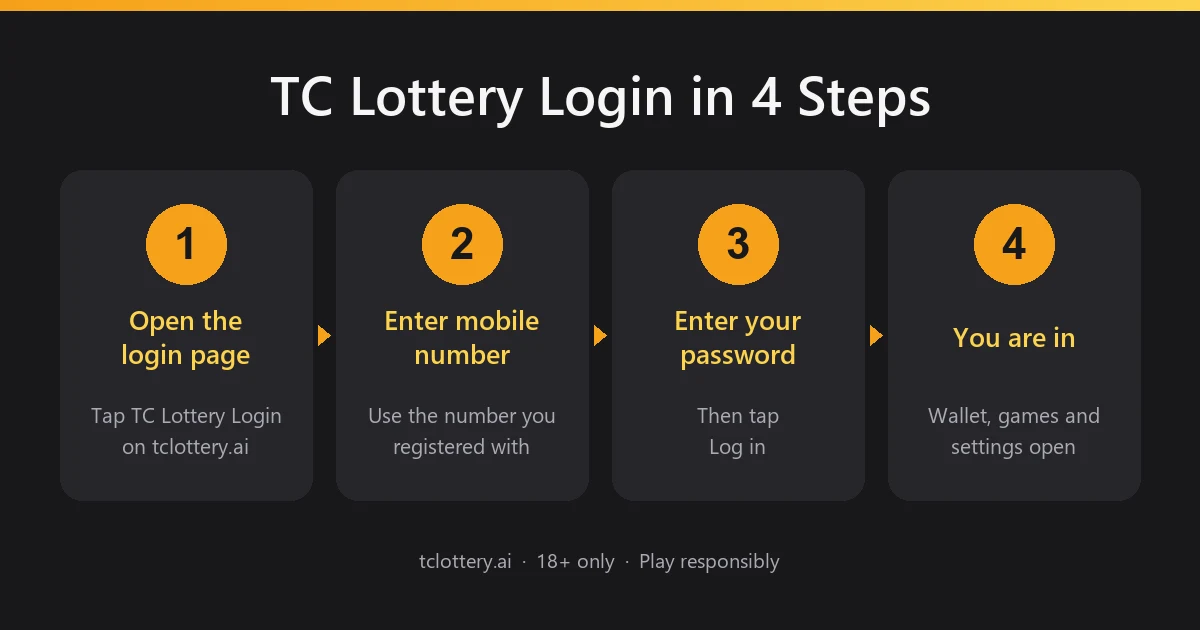
After a successful TC Lottery login, the dashboard opens. These are the main areas players use most:
Profile
Your registered mobile number, user ID and personal details. Keep them up to date so you can always recover your account.
Games
Every game on the platform, available from the home screen once you are signed in.
History
A record of your past rounds and account activity, useful for checking any result.
Security settings
Change your password and review your account details and login activity.
TC Lottery Login on Mobile, App and Desktop
Mobile browser
Open this page in Chrome or any modern browser and tap Login. This is the quickest way to play without installing anything.
The app
Open the app, tap Log in and enter the same mobile number (or email) and password. If the app asks for an update, install it first, because older versions can stop logging in.
Desktop and laptop
Open the website in any up-to-date browser. The larger screen makes it easier to move between your profile, history and games.
The TC Lottery game login is the same as your account login. Once you are signed in, every game opens from the home screen without asking for your details again.
TC Lottery Login Problems and Solutions
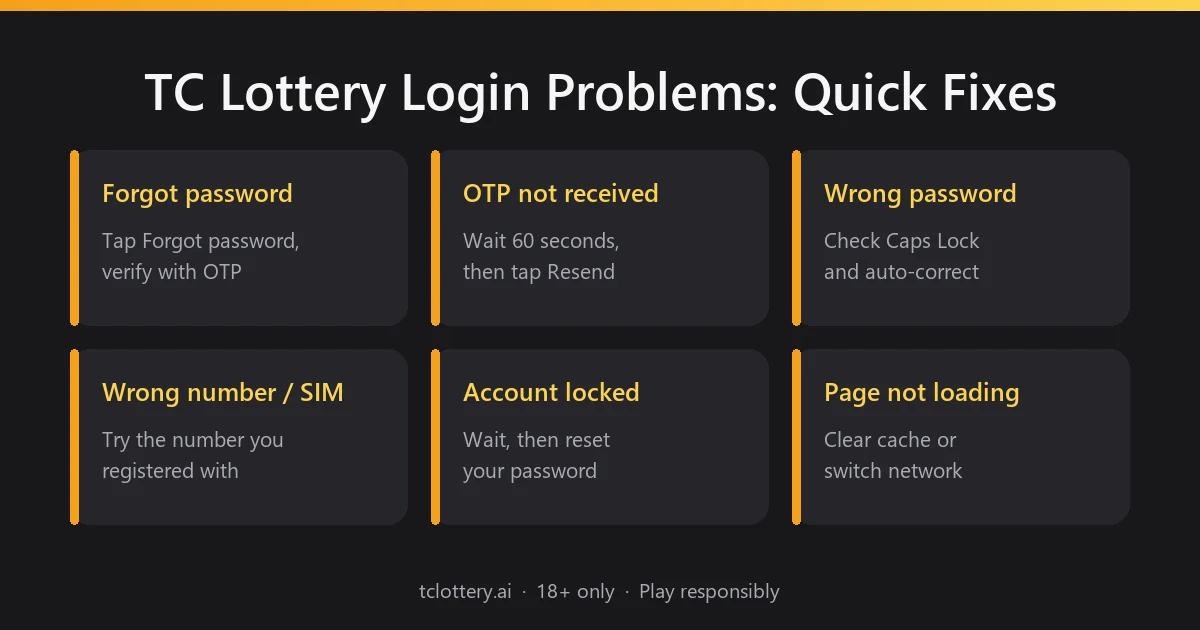
Most TC Lottery login problems come from a wrong password, a missing verification code or an old link. Find your issue below.
Forgot password
Tap Forgot password? on the login page. Enter your registered mobile number, type a new password twice, tap Send to get a verification code, enter the code, accept the privacy agreement and tap Reset. You can also reset your password by email. If it still does not work, use Contact customer service.
Verification code not received
Wait about a minute before tapping Send again. Enter your number without +91 or a leading zero, check that the right SIM has signal, and look in your SMS spam folder.
Wrong password or “account does not exist”
Check that you are using the number you registered with, not a second SIM, and that Caps Lock and auto-correct are not changing your password. If you registered with email, switch to the Email tab on the login page.
Registered with a different number
If you changed your SIM or number, try the old number first. If you no longer have it, contact customer service from the app to update your account.
Account locked
After more than 10 wrong passwords, the account is locked. Use Forgot password? to set a new password, which also unlocks the account, or tap Contact customer service.
Page not loading
Clear your browser cache, switch between Wi-Fi and mobile data, or try another browser. After a platform update, clearing the cache usually fixes it.
Account Security
- Never share your password or verification code with anyone. Our team will never ask for them.
- Use a password you do not use anywhere else, and change it if you think someone has seen it.
- Log out after playing on a shared or borrowed phone.
- Ignore “hack” or “prediction” offers. They are designed to steal accounts.
Security reminder: always check the website address before entering your details, and only log in through the buttons on this page. Other sites using the TC Lottery name are not run by us.
TC Lottery Login vs Registration
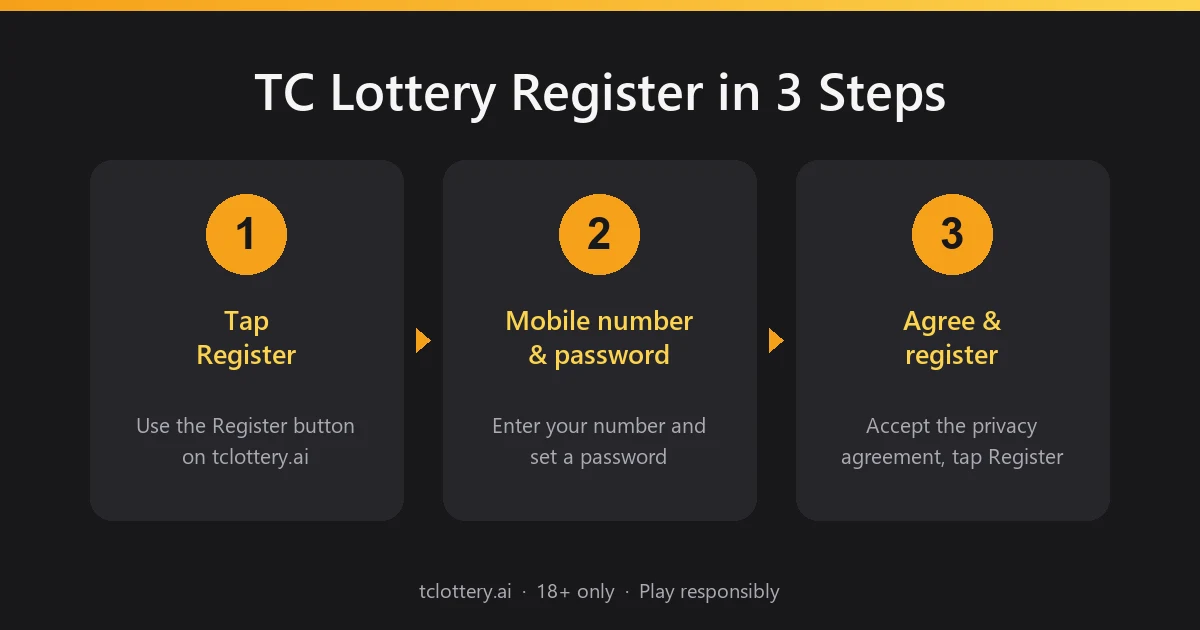
| Registration | For new players. Creates your account with your mobile number, a password and an optional invitation code. You only do it once. |
| Login | For existing players. Opens your account with your registered mobile number or email and your password. |
| Dashboard | What you see after logging in: profile, history, games and security settings. |
TC Lottery Games
Every TC Lottery game opens with the same account, so there is no separate TC Lottery game login to remember. Once you are signed in, all games are available from the home screen, and each one shows its rules before you start.
Play Responsibly
Our games are for adults aged 18 and over only. Treat them as entertainment, set a limit before you play, and take a break whenever you need one.